Proxmox Backup Client Manager (PBCM)
Proxmox Backup Server
(PBS) stores the backups. On every machine you back up, the proxmox-backup-client
CLI reads the data, deduplicates and encrypts it, and streams it into a datastore on
that server. PBS manages the storage — it does not manage the machines that write
into it. For thirty hosts that means thirty crontabs, thirty copies of the repository
credentials, and no shared answer to "did everything run last night?".
Proxmox Backup Client Manager (PBCM) fills that gap, and only that gap. A lightweight Node.js agent runs on each
machine you back up; a central Fastify/React server gives you one dashboard and one
API for all of them. PBCM stores no backup data and replaces no PBS — it is the
control plane above your proxmox-backup-client instances.
Unofficial project
PBCM is community-driven. It is not affiliated with, endorsed by, or associated with Proxmox Server Solutions GmbH. "Proxmox" is a registered trademark of Proxmox Server Solutions GmbH.
How PBCM relates to Proxmox Backup Server
Three parties are involved, and only one of them is a Proxmox product:
| Who provides it | What it holds | Talks to | |
|---|---|---|---|
| Proxmox Backup Server | Proxmox Server Solutions GmbH | The backups themselves — deduplicated, encrypted, kept as snapshots in a datastore | accepts connections from the agents and from the PBCM server |
| PBCM server | this project | Metadata only: the client list, job definitions, run history and repository credentials, in SQLite | the browser, the agents, the PBS API |
| PBCM agent | this project | The jobs assigned to it, in its own data files — which is what lets it keep working offline | the PBCM server, PBS |
flowchart TB
    B["Browser<br/>Dashboard"]
    S["PBCM Server<br/>Fastify · React SPA · SQLite"]
    A1["PBCM Agent<br/>wraps proxmox-backup-client"]
    A2["PBCM Agent<br/>· · ·"]
    P[("Proxmox Backup Server<br/>Datastore")]

    B -->|"REST /api/v1/* · WS /ws/dashboard"| S
    A1 <-->|"WS /ws/agent<br/>jobs, live logs, history"| S
    A2 <--> S
    S -.->|"HTTPS, metadata only:<br/>datastore status, snapshot list"| P
    A1 ==>|"backup data"| P
    A2 ==> P

    linkStyle 4,5 stroke-width:4px
The thick arrows are the point: backup data never passes through the PBCM server.
The agent invokes proxmox-backup-client locally and the CLI talks to PBS directly,
so throughput and storage are between those two alone — adding PBCM to an existing
setup does not put a new machine in the data path. The PBCM server contacts PBS only
over its HTTPS API, read-only, to show you datastore status and snapshot lists in the
dashboard.
One case bends this, but not as far as it looks: if a client has no route to PBS at all, the server lends it an SSH reverse tunnel. Even then the data does not travel through the PBCM application — it travels through a port forward that PBCM sets up and tears down around the run.
Further reading on the Proxmox side
- Proxmox Backup Server — product overview
- Proxmox Backup Server — administration guide
- Backup Client Usage — the CLI the
agent wraps, including the
PBS_REPOSITORYandPBS_FINGERPRINTvariables PBCM fills in for it
Life of a backup run
- You define a job in the dashboard — source paths, schedule, target repository.
- The server hands it to the agent over
/ws/agent, and the agent writes it into its own data files. - The agent's cron fires. The schedule belongs to the agent, not to the server — a PBCM server that is down, restarting or unreachable stops no backup.
- The agent assembles the
proxmox-backup-clientcommand, verifies the PBS TLS fingerprint (or requests a tunnel lease, if the job asks for one). - The CLI streams the data to PBS while its log lines travel over the WebSocket to every open dashboard, live.
- The result goes into the history. If the server was unreachable during the run, the agent syncs it up afterwards.
-
Install it
Docker Compose for the server and for each agent, plus the configuration reference and the tunnel setup for clients with no route to the PBS.
-
Run it
What protects an installation, how to upgrade and back it up, and what each release changes for one that already runs.
-
Understand it
How the control plane, the dashboard and the agent fit together.
-
Integrate with it
Every REST endpoint and both WebSocket protocols, request and response shapes included.
-
Contribute to it
Local environment, the Conventional Commits the release is derived from, and the build pipeline.
What it does
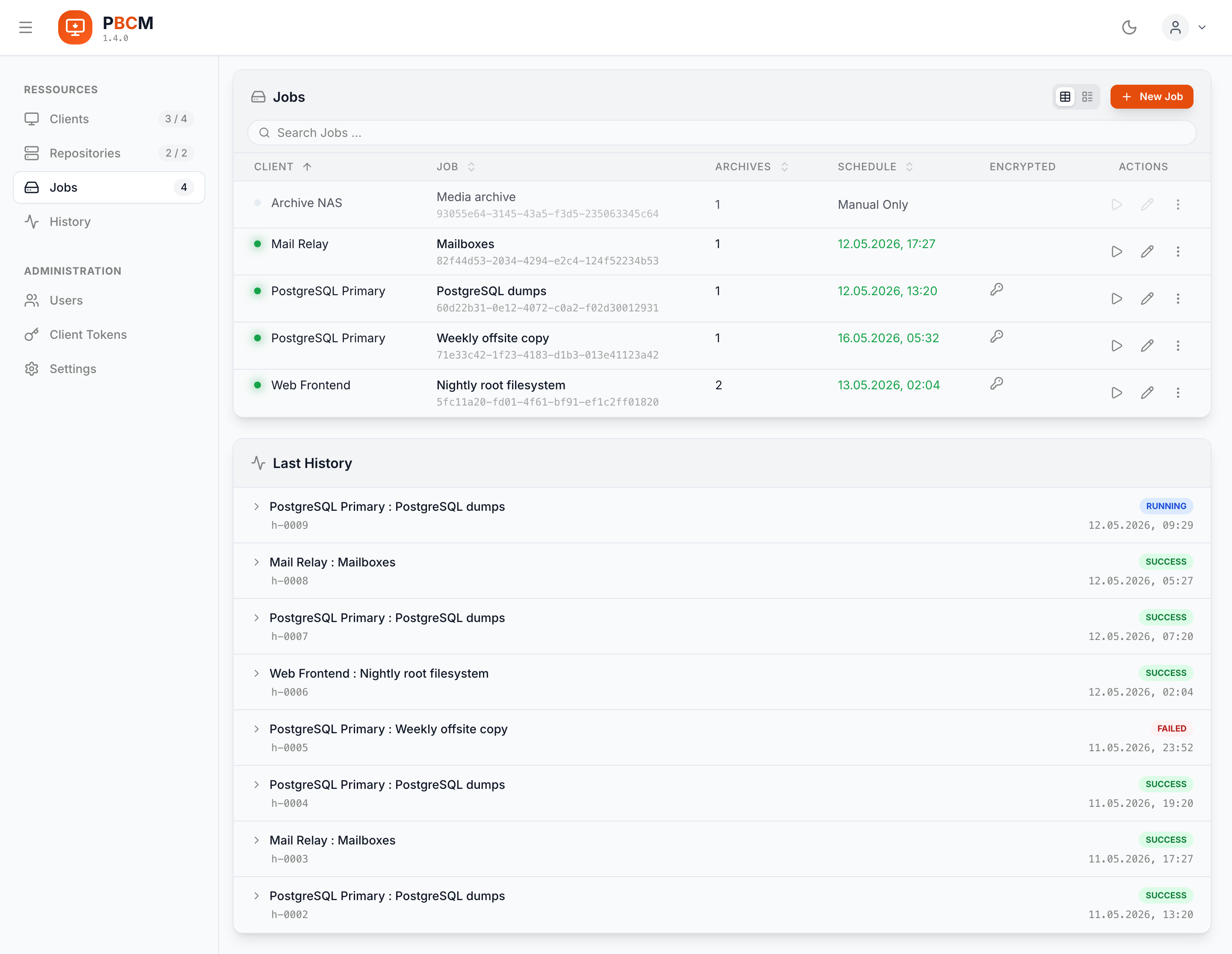
- Centralized management — view and manage every backup client from one dashboard.
- Job scheduling & execution — configure remote backup jobs with cron-like schedules, or trigger a backup or restore right now.
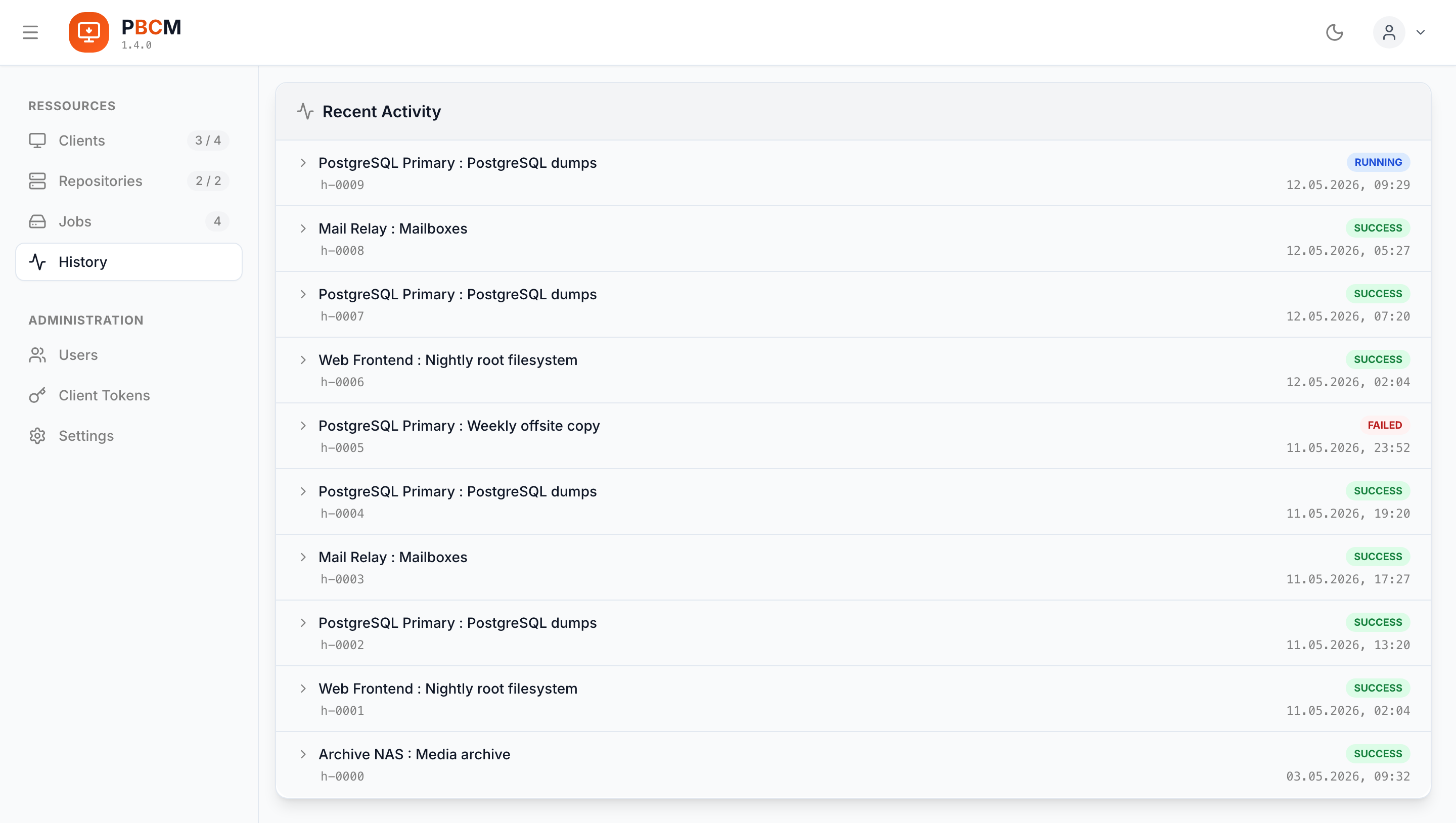
- Global history & sync — execution history from all clients, collected into one view.
- Real-time monitoring — live log streams and status updates over WebSockets.
- File browser — browse a client's remote file system for selective backups and restores.
- Secure communication — agents register with a short-lived token issued for their client, and every job pins the PBS certificate fingerprint.
- Reachability — clients with no route to the PBS back up through an SSH reverse tunnel, opened per run.
- Authentication — local admin accounts and OIDC single sign-on.
- Maintenance — automatic cleanup of old job history and used tokens, on an interval you set, with the last run visible on the settings page.
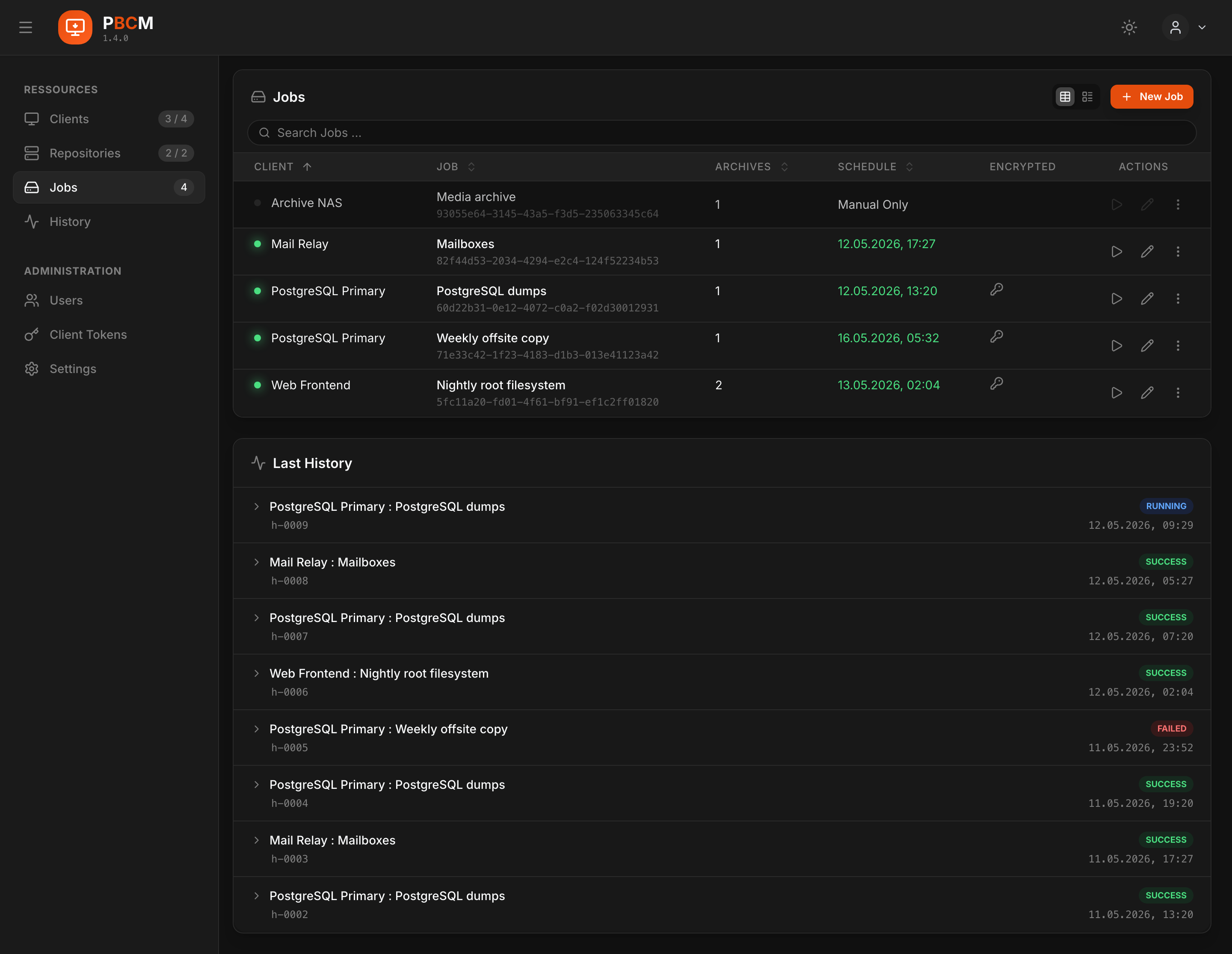
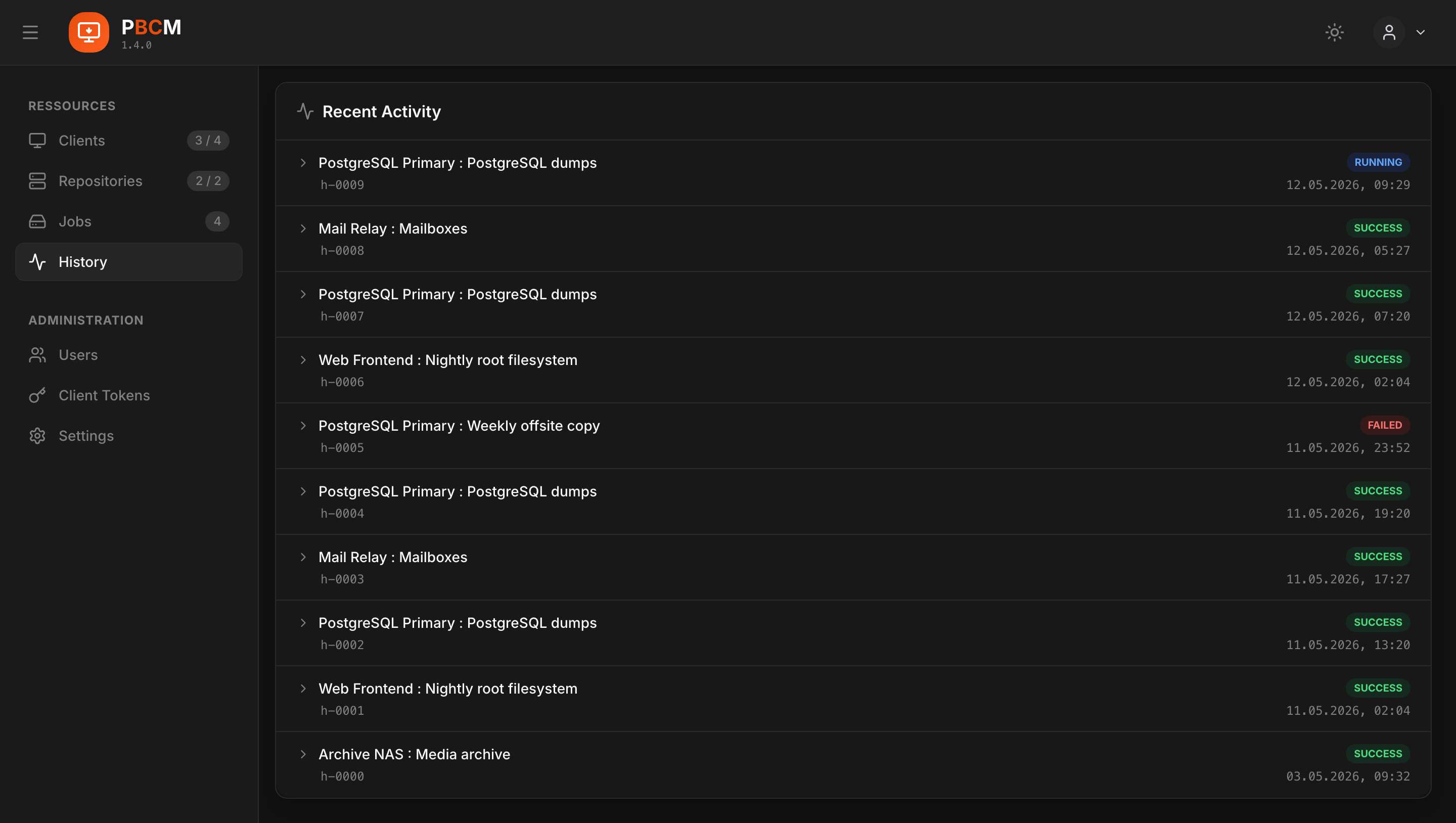
The dashboard
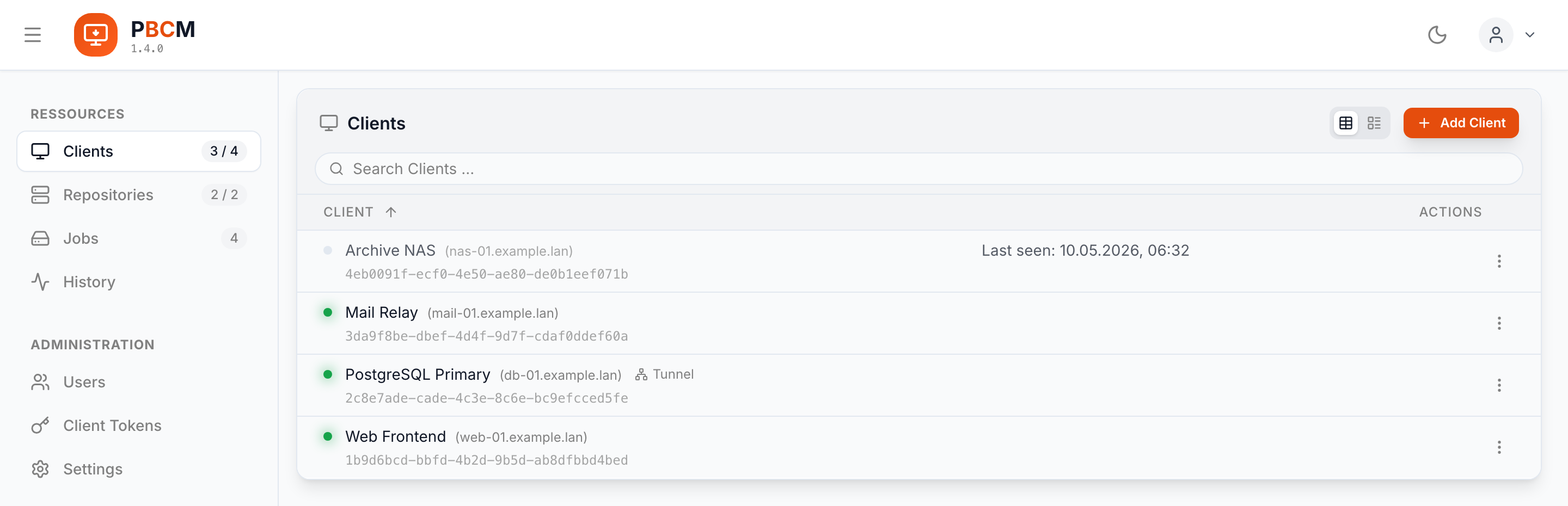
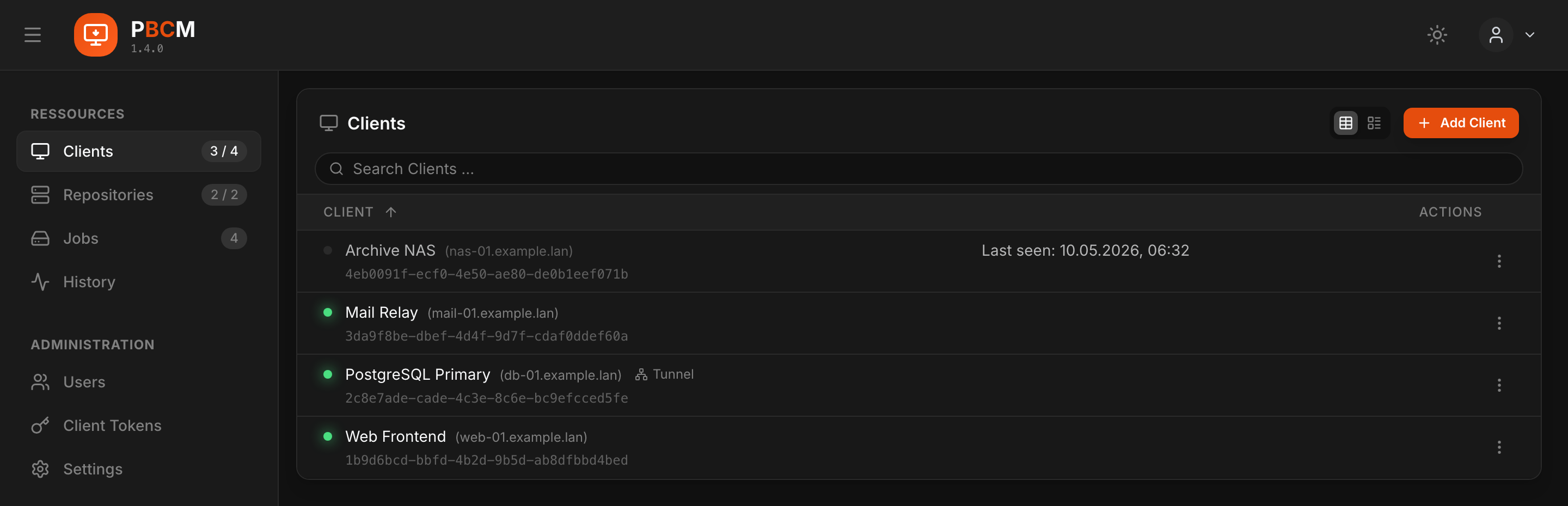
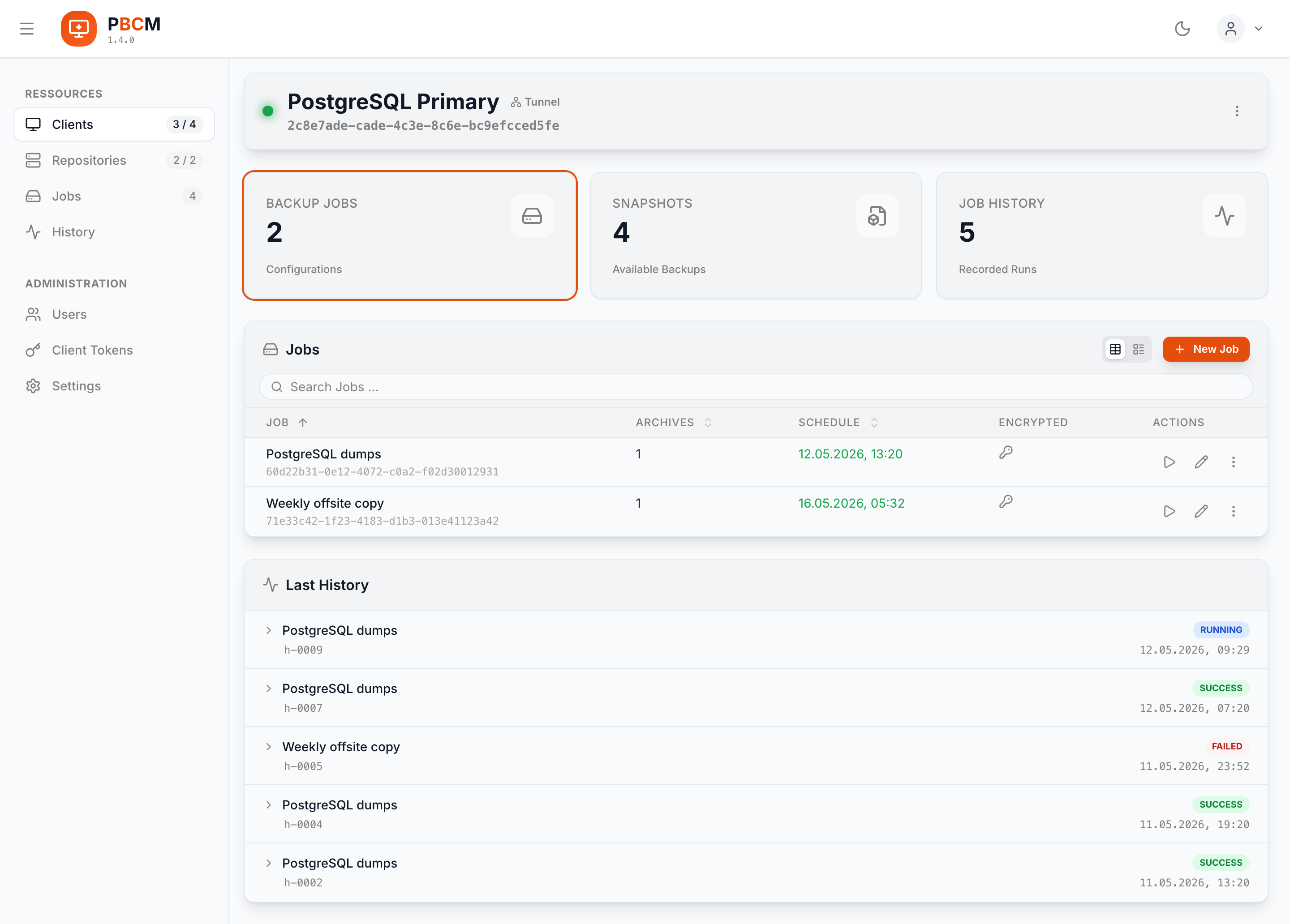
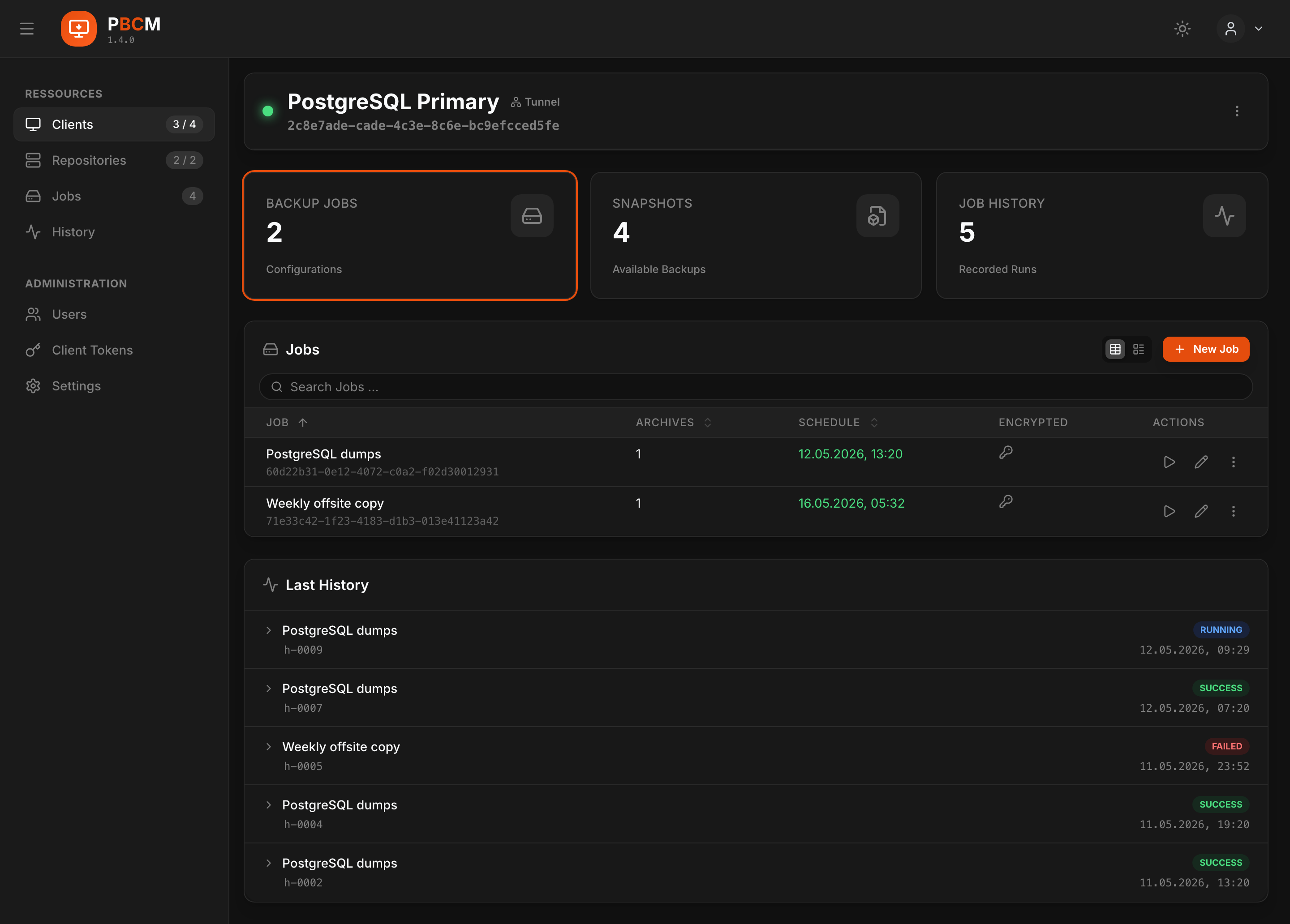
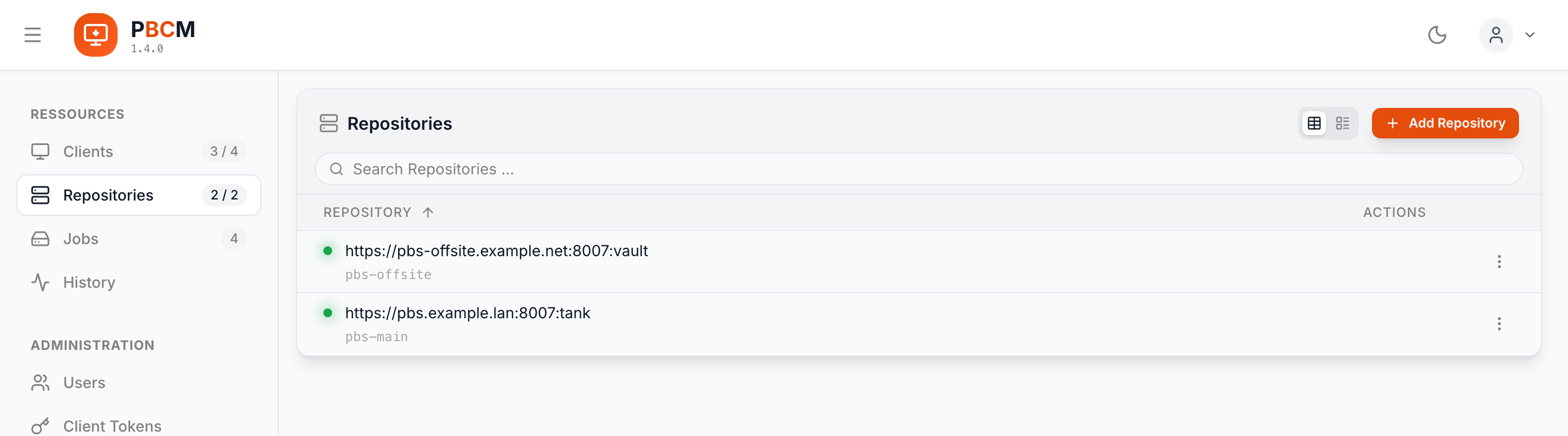
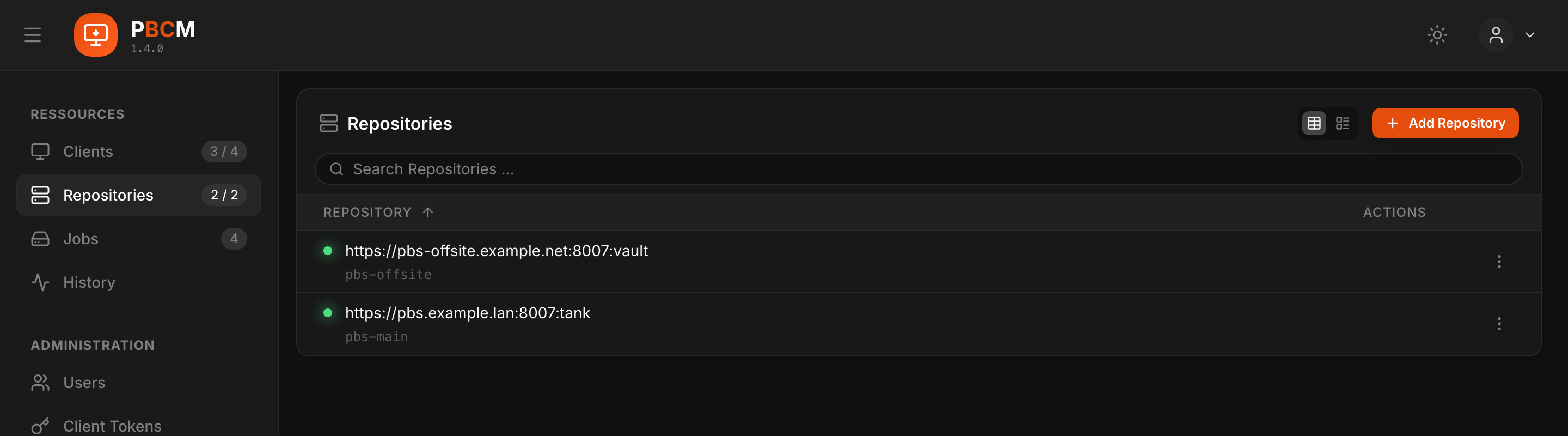
The repository
The diagram above is the deployment view. In the source tree, PBCM is an npm monorepo with four workspaces:
| Workspace | What it is |
|---|---|
server/backend |
Fastify API server — the control plane and the WebSocket hub, holding the SQLite database of configurations and job histories. |
server/frontend |
React SPA (Vite, Tailwind, TanStack Query), served by the backend from server/dist/public. |
client |
Lightweight Node.js daemon wrapping the proxmox-backup-client CLI. It keeps the job configs in its own data files and runs them on schedule even while the server is unreachable. |
shared |
Single source of truth for the TypeScript types, Zod schemas and constants the other three agree on. |
The central piece on the server side is the ProxyService: it owns the live agent
connections, caches job state and fans updates out to every connected dashboard. The
frontend never polls.
Getting started in one minute
# Server
docker run -d --name pbcm-server -p 3000:3000 \
    -v ./server-data:/app/server/backend/data \
    -v ./server-config.yaml:/app/server/config.yaml \
    ghcr.io/stefgo/pbcm-server:latest
Then open http://localhost:3000 and log in with admin / admin. You will need a
reachable Proxmox Backup Server and an API token for it before the first job can run.
The full Compose files are in Installing the Server and
Installing a Client Agent; every configuration key is in
Configuration.