Quick Start
From nothing to a first monitored keepalived host in four steps: start the server, sign in, start an agent next to keepalived, register it. It needs nothing but Docker.
You need:
- Docker with the Compose plugin on the machine that runs the server and on every
keepalived host (
linux/amd64orlinux/arm64, a Raspberry Pi works). - keepalived on the hosts to be monitored — any 2.x release. The agent reads it through its state dump; nothing has to be enabled in keepalived for that.
- A network path from each agent to the server on port 3010. If only the server can reach the host, not the other way round, see Outbound registration.
To run KASM from a checkout instead, see Development.
1. Start the server
Create a directory with two files:
The empty server-config.yaml is on purpose: the server fills it on its first start and
stores its session secret there. Create it before the first up. Without the file Docker
mounts an empty directory in its place, and the server cannot save its secret — every
restart would then sign everybody out.
compose.yaml:
services:
    kasm-server:
        image: ghcr.io/stefgo/kasm-server:latest
        container_name: kasm-server
        ports:
            - "3010:3010"
        volumes:
            - server-data:/app/server/backend/data       # SQLite database
            - ./server-config.yaml:/app/server/config.yaml
        environment:
            - NODE_ENV=production
        restart: unless-stopped

volumes:
    server-data:
Put it behind a reverse proxy with TLS before it leaves your LAN, and list the proxy in
security.trusted_proxies— otherwise every request appears to come from the proxy. See Security.
2. Sign in
Open http://<server>:3010 and sign in with admin / admin.
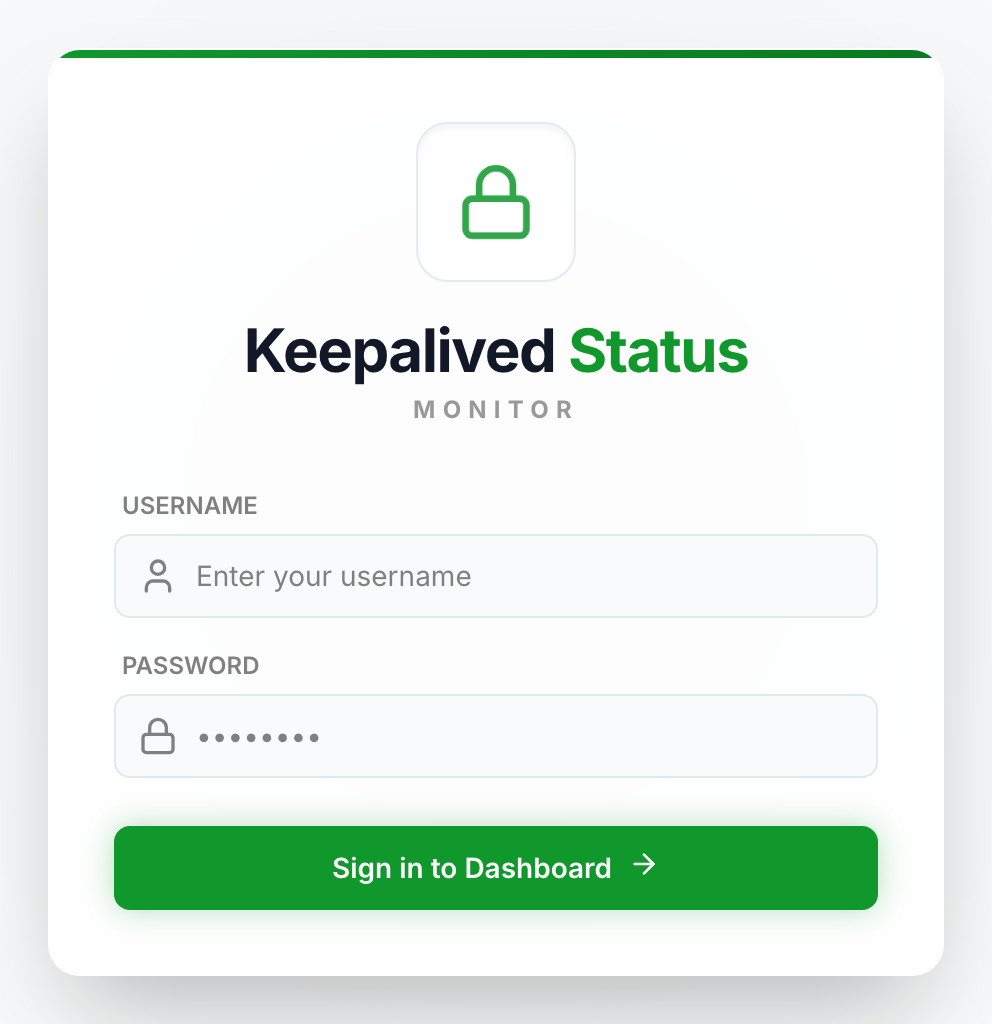
The sign-in form. With OIDC configured it offers single sign-on as well.
Change that password now, in the user management or through
PUT /api/v1/users/:userId. The server creates this account only while the user table is
empty, and logs a warning when it does.
3. Start an agent on a keepalived host
On the host that runs keepalived, again a directory with two files:
The file has to belong to root, hence sudo: the agent below runs without DAC_OVERRIDE and
can write only files root owns (Security). If your keepalived.conf
moves the dump files (state_dump_file, stats_dump_file), set the same paths under
keepalived: in it — see Configuration.
compose.yaml:
services:
    kasm-client:
        image: ghcr.io/stefgo/kasm-client:latest
        container_name: kasm-client
        network_mode: host
        pid: host
        cap_drop:
            - ALL
        cap_add:
            - KILL          # signal keepalived to write its state
            - SYS_PTRACE    # read that state through /proc/<pid>/root
        security_opt:
            - apparmor:unconfined
            - no-new-privileges:true
        read_only: true
        tmpfs:
            - /tmp
        volumes:
            - ./client-config.yaml:/app/client/config.yaml
            - client-data:/app/client/data               # identity, last reading, queue
        environment:
            - NODE_ENV=production
        restart: unless-stopped

volumes:
    client-data:
The agent shares the host's PID namespace to find keepalived and reads its state through
/proc/<pid>/root. That makes it root on the host in all but name — read
Agent Permissions before you deploy it.
The log shows a box with the setup PIN. You need it in a moment:
──────────────────────────────────────────────
  Setup PIN:  K7QM-3XRD
  Web UI:     http://<this-host>:3011/register
  …
──────────────────────────────────────────────
client-datahas to be a named volume. It holds the identity the server issues at registration. Lose it and the agent has to be registered again.
4. Register the agent
In the dashboard, Clients → Add Client → The agent connects to this server.
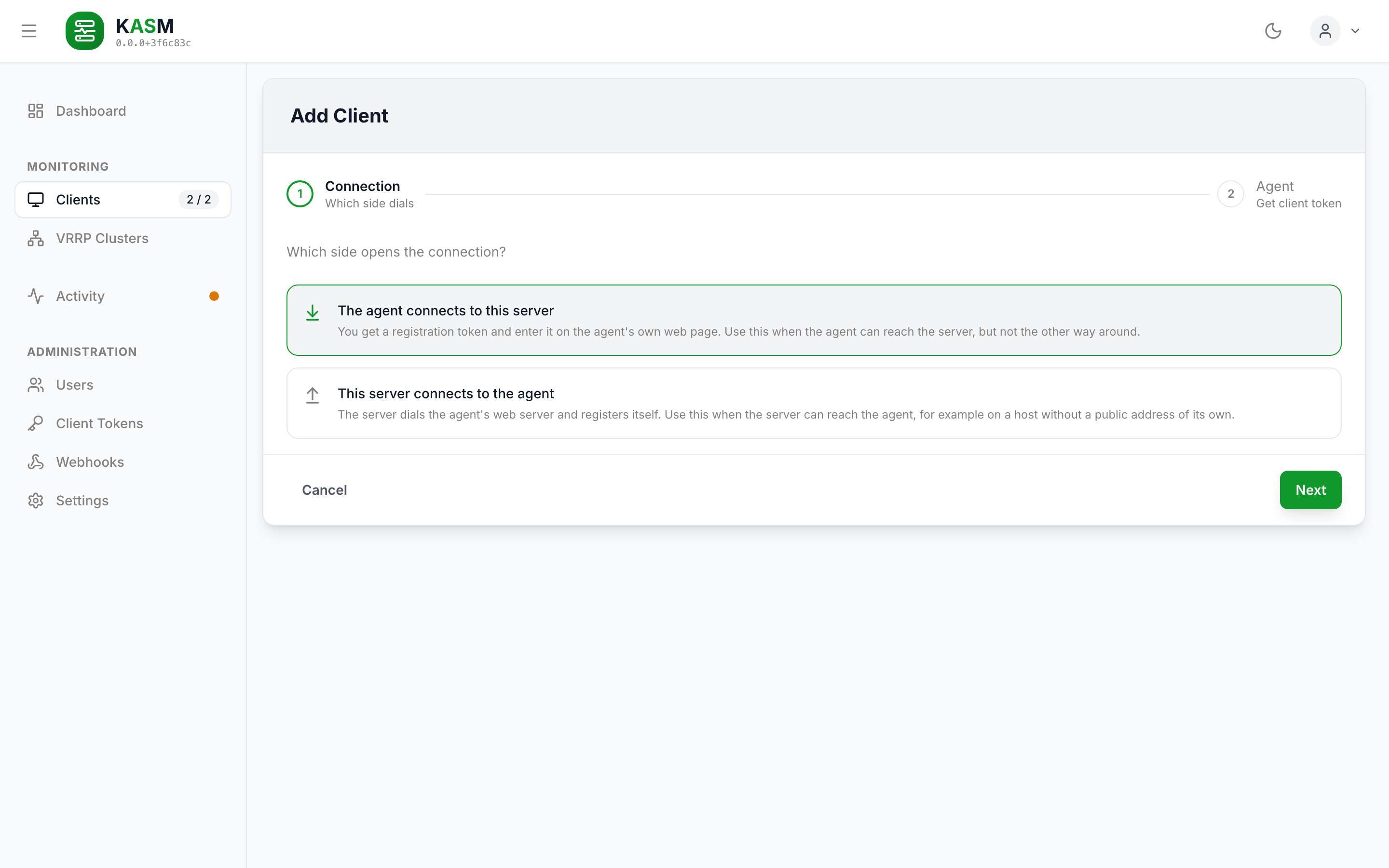
The wizard takes an optional display name and an allowed IP or network for the new client; leave both empty to use the agent's hostname and the address it registers from. It then shows the registration token — copy it.
Then open the agent's page at http://<host>:3011/register and enter:
| Field | Value |
|---|---|
| Server URL | http://<server>:3010 (or the URL of your reverse proxy) |
| Registration token | the token from the wizard |
| Setup PIN | the PIN from docker logs kasm-client |
Register — the agent stores its identity, connects, and the register page closes itself. Back in the dashboard the host is listed under Clients, and its VRRP instances show up with the first reading, grouped into clusters with the other hosts that share them.
What next
- More hosts: repeat steps 3 and 4 on each keepalived host. A cluster is complete once every one of its members reports.
- See a failover at once instead of at the next 5-second poll: Faster Failover Detection.
- Be told about it: Webhooks.
- Settings you may want now: OIDC sign-in, retention — Configuration.
- Before going to production: Security and Operations (backups, upgrades, health checks).