Docker Instance Manager (DIM)
A single Docker host is easy to look after: docker ps, docker compose pull, done. Ten of
them are ten SSH sessions, ten places where an image can quietly fall behind its registry,
and no shared answer to "which of my containers are out of date, and what restarted last
night?".
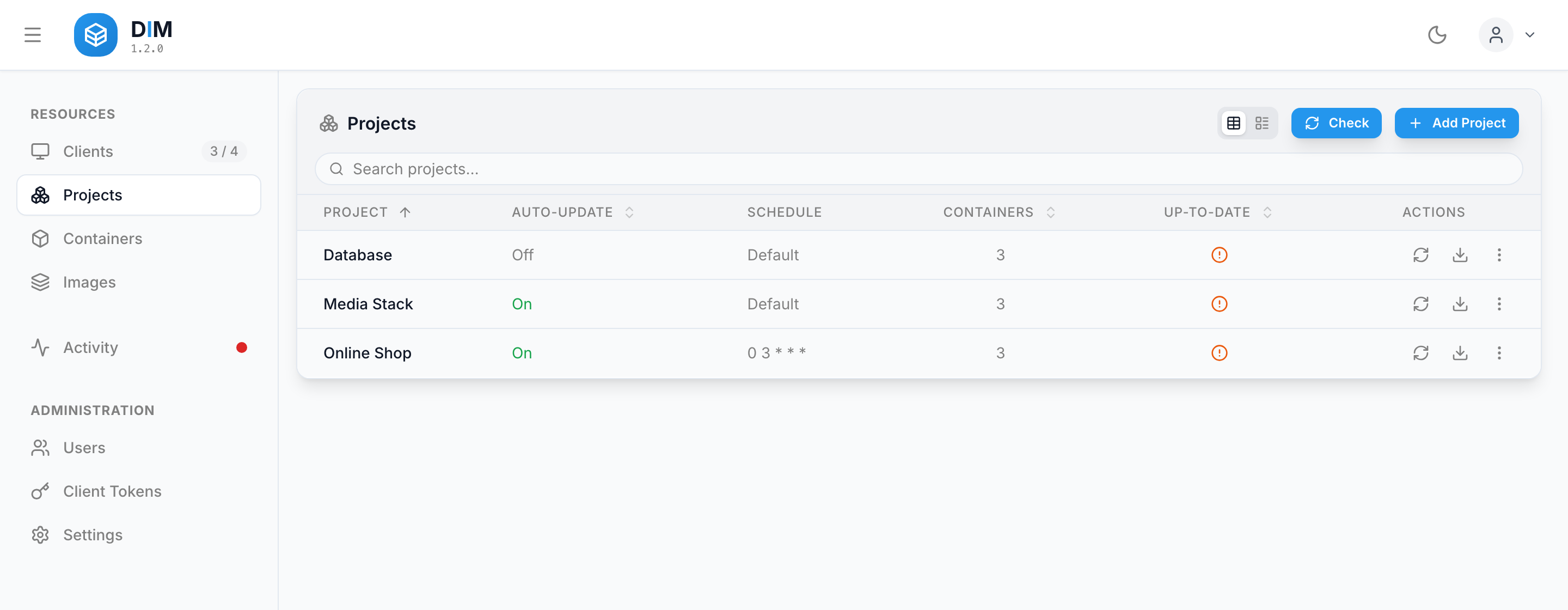
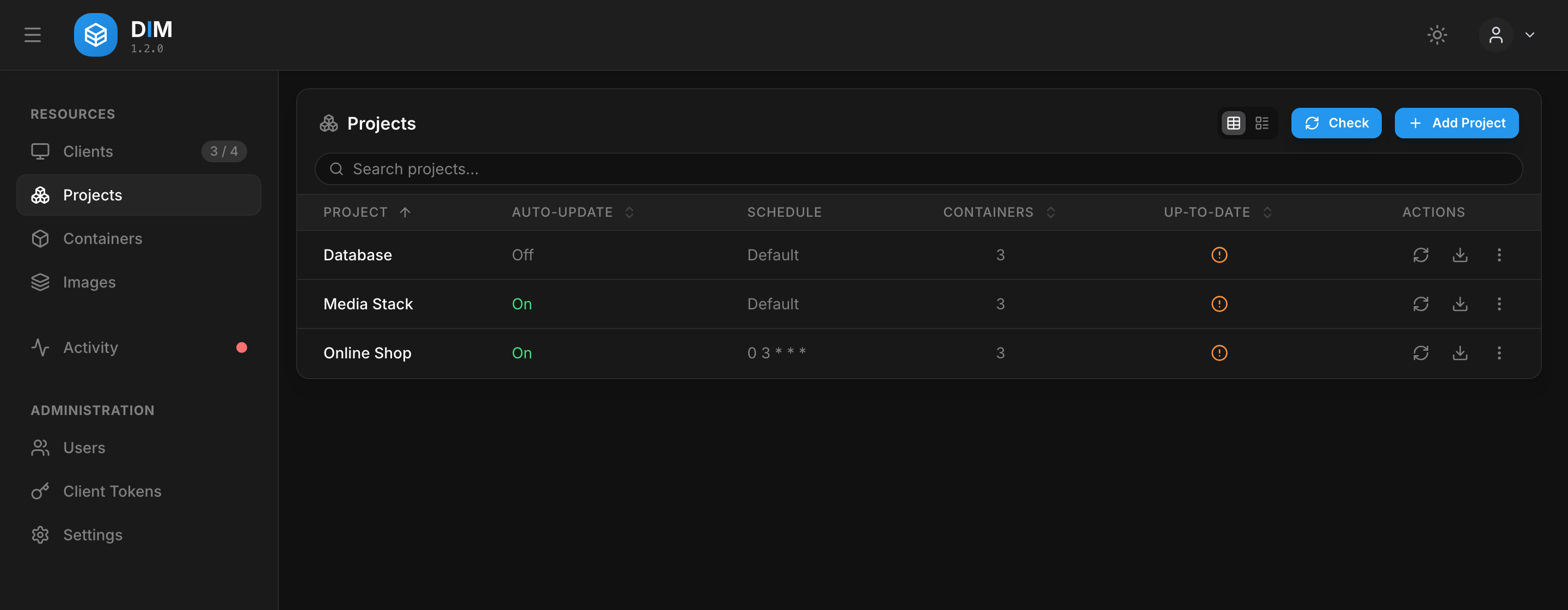
Docker Instance Manager (DIM) gives those hosts one dashboard. A lightweight Node.js agent runs next to the Docker Engine on each host; a central Fastify/React server collects what the agents report and sends back what you ask them to do. DIM replaces neither Docker nor Compose — it is the control plane above the engines you already run.
New here? The Quick Start gets a server and a first host running in about ten minutes.
What it does
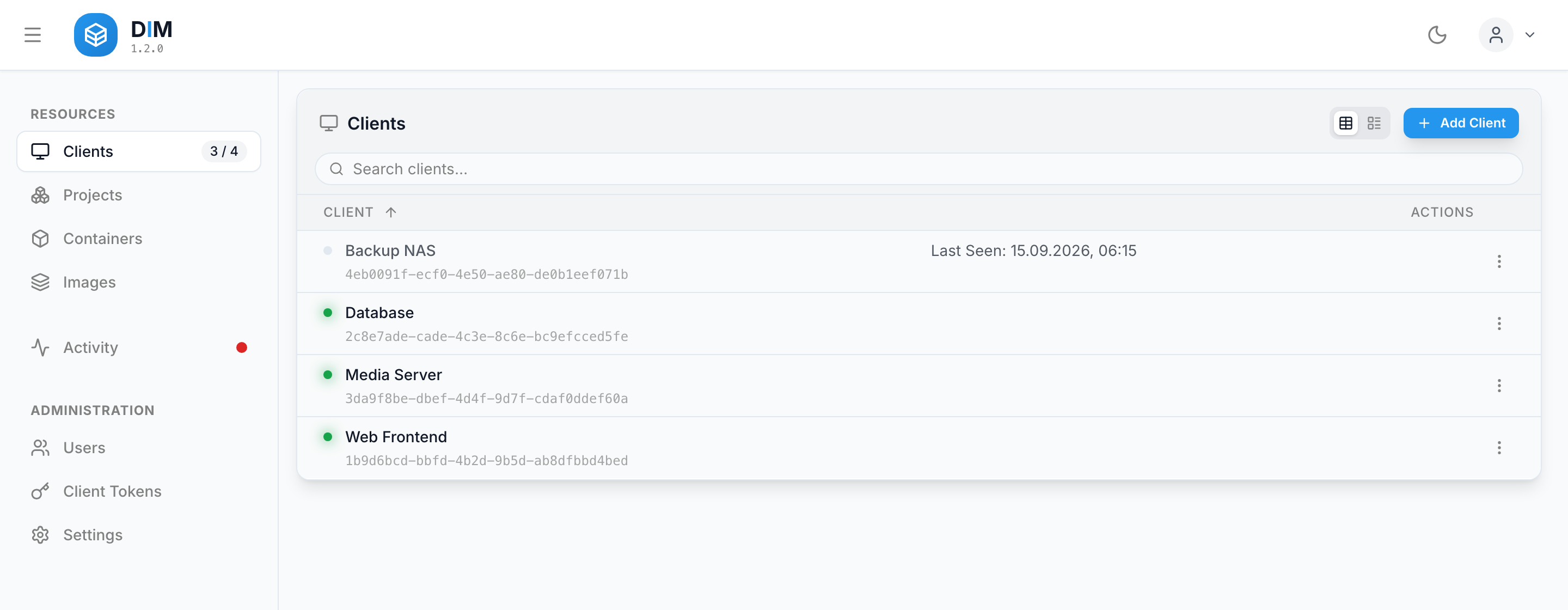
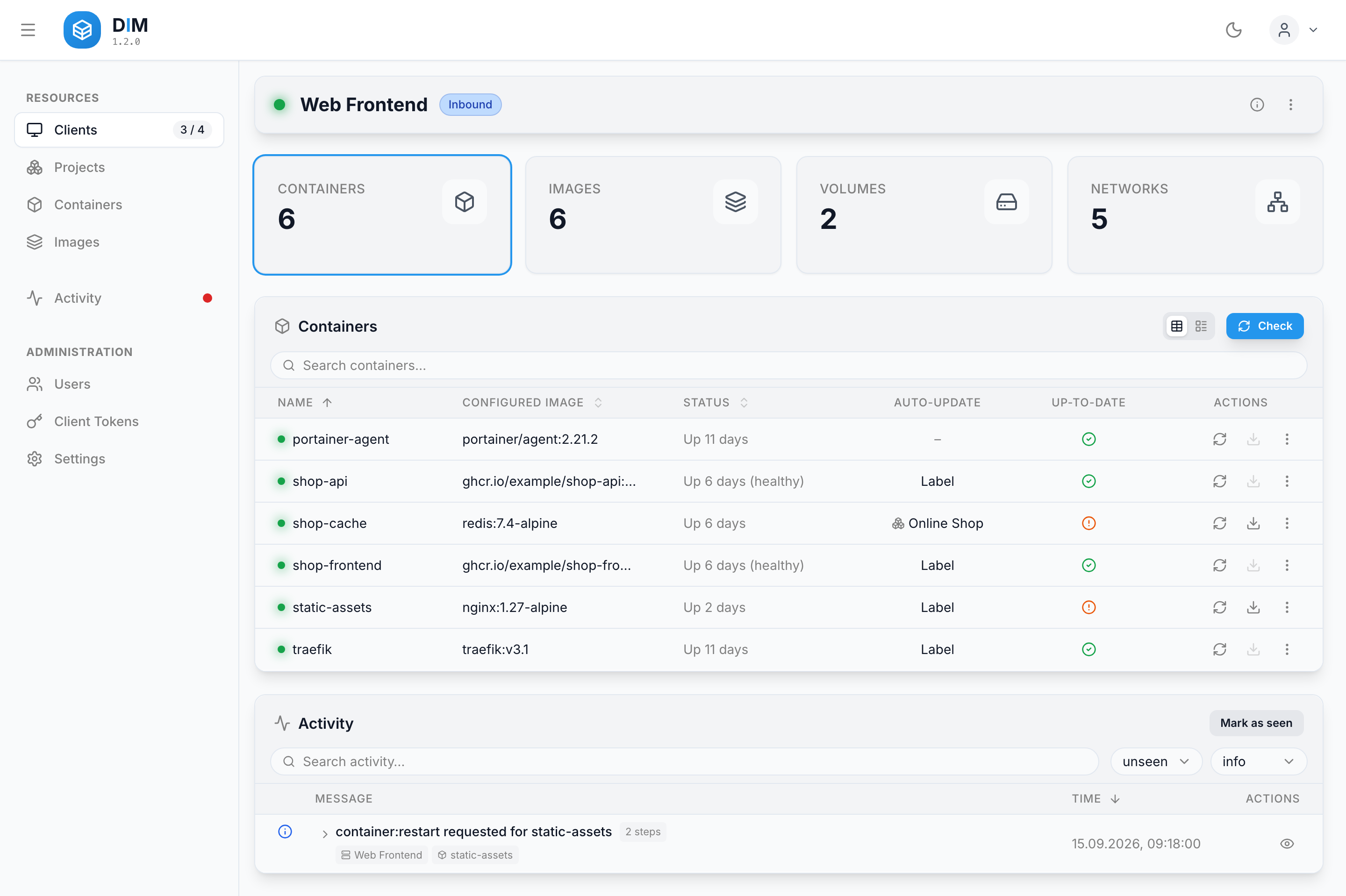
- Centralized management — containers, images, volumes and networks of every host in one dashboard.
- Container actions — start, stop, restart, pause, remove and recreate, straight from the UI.
- Image update checks — local digests compared against Docker Hub,
ghcr.ioandlscr.io, per tag or per digest. - Pull & recreate — pull a newer image and recreate every affected container in one step.
- Projects — group containers across the fleet by a query over hosts, containers and images, and give each group its own update schedule.
- Autonomous auto-update — label-driven, scheduled per host or per project, with made-up runs after downtime and a per-container delay.
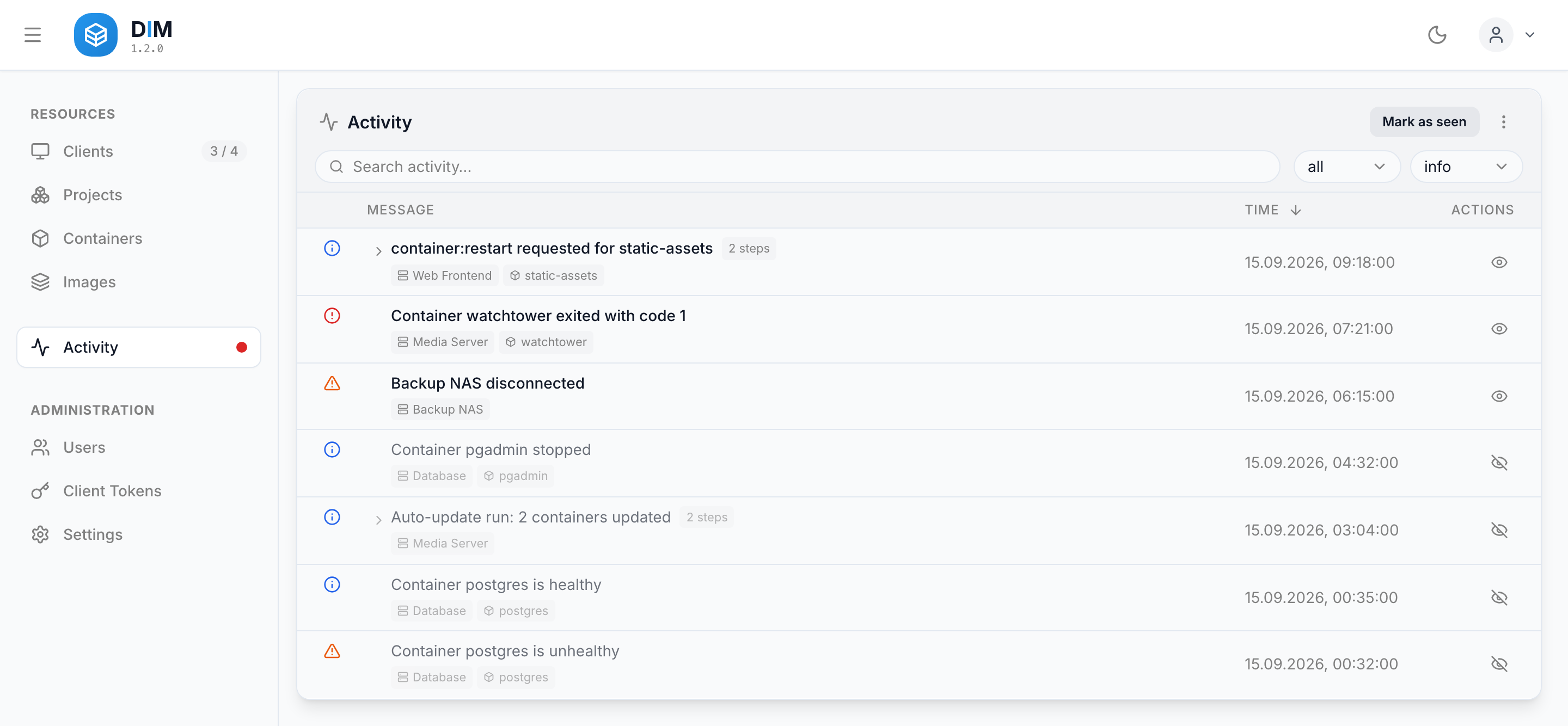
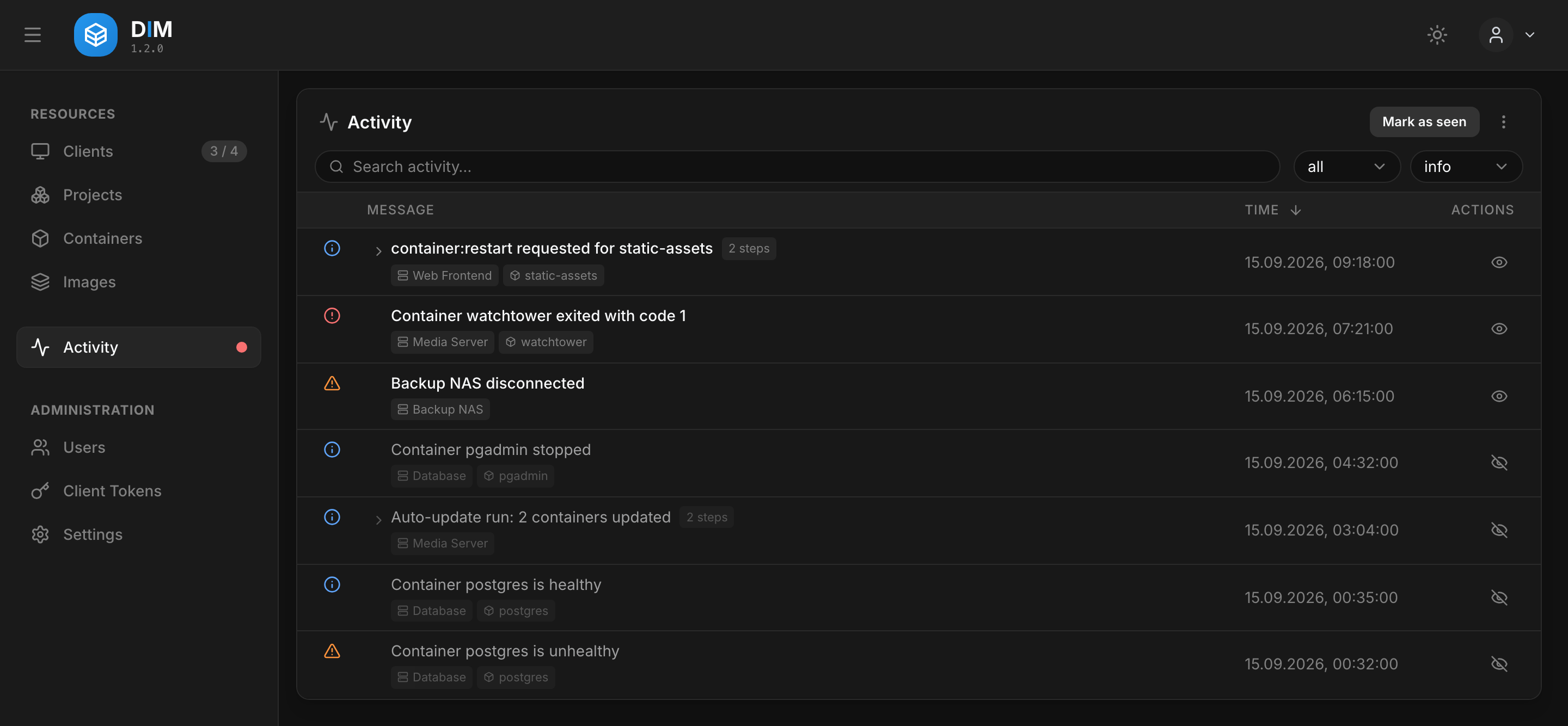
- Activity list — what happened on each host, from the Docker event stream, grouped by the action or the run that caused it.
- Webhooks — events sent to a chat, a push service or an endpoint of your own, each with a JSON body template, filtered by level and event kind.
- Secure communication — agents register with a short-lived token and a setup PIN, then authenticate with a permanent token; each client is bound to an allowed address.
- Authentication — local accounts and OIDC single sign-on.
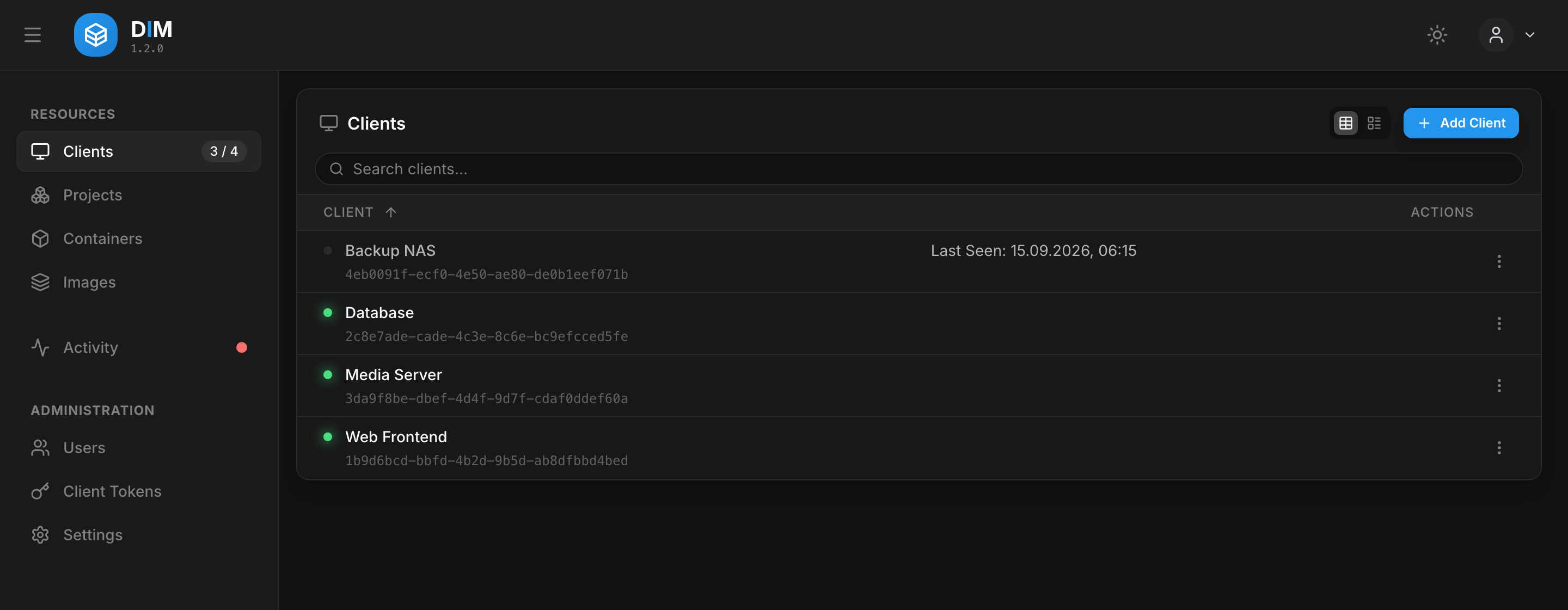
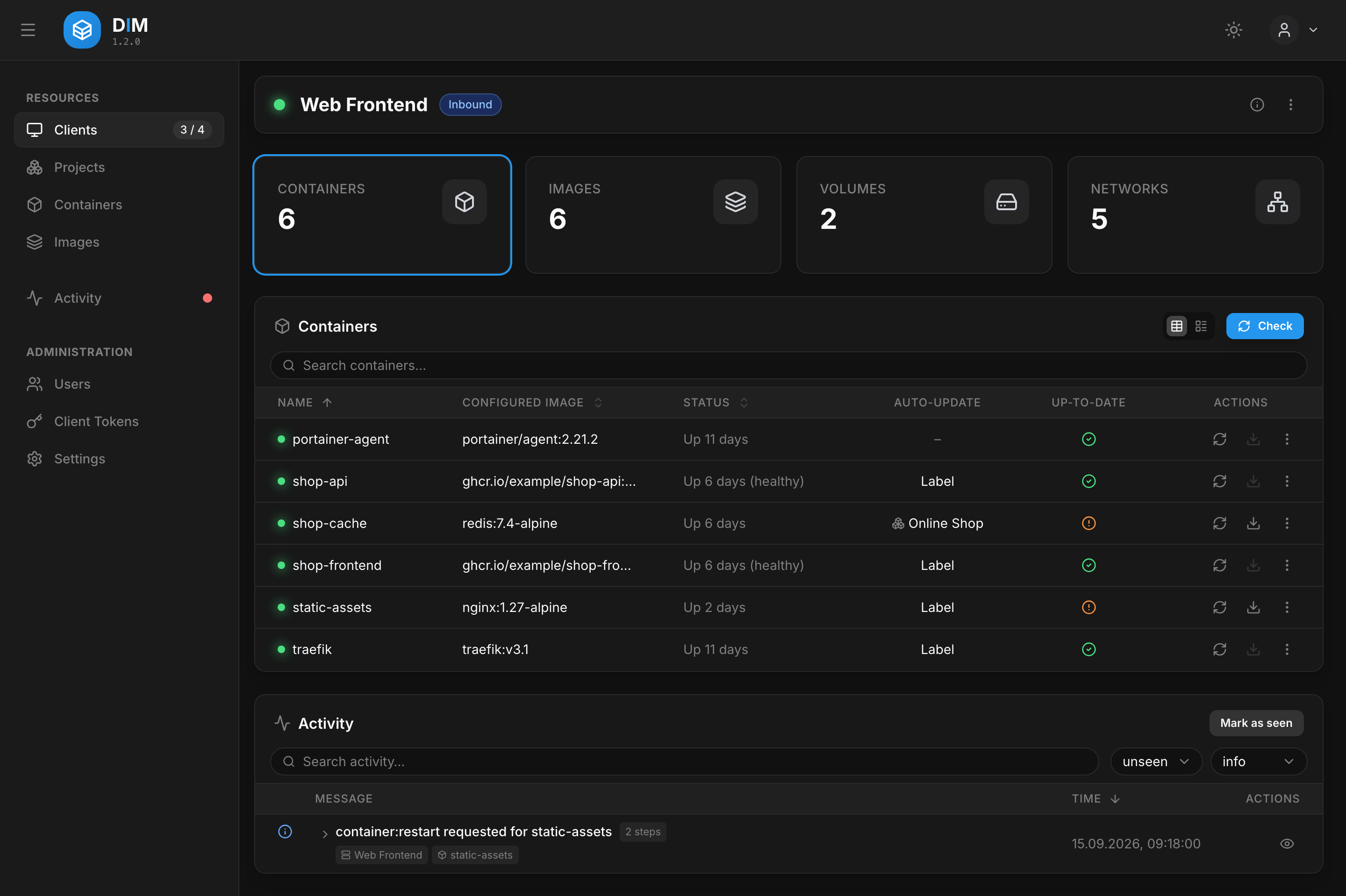
The dashboard
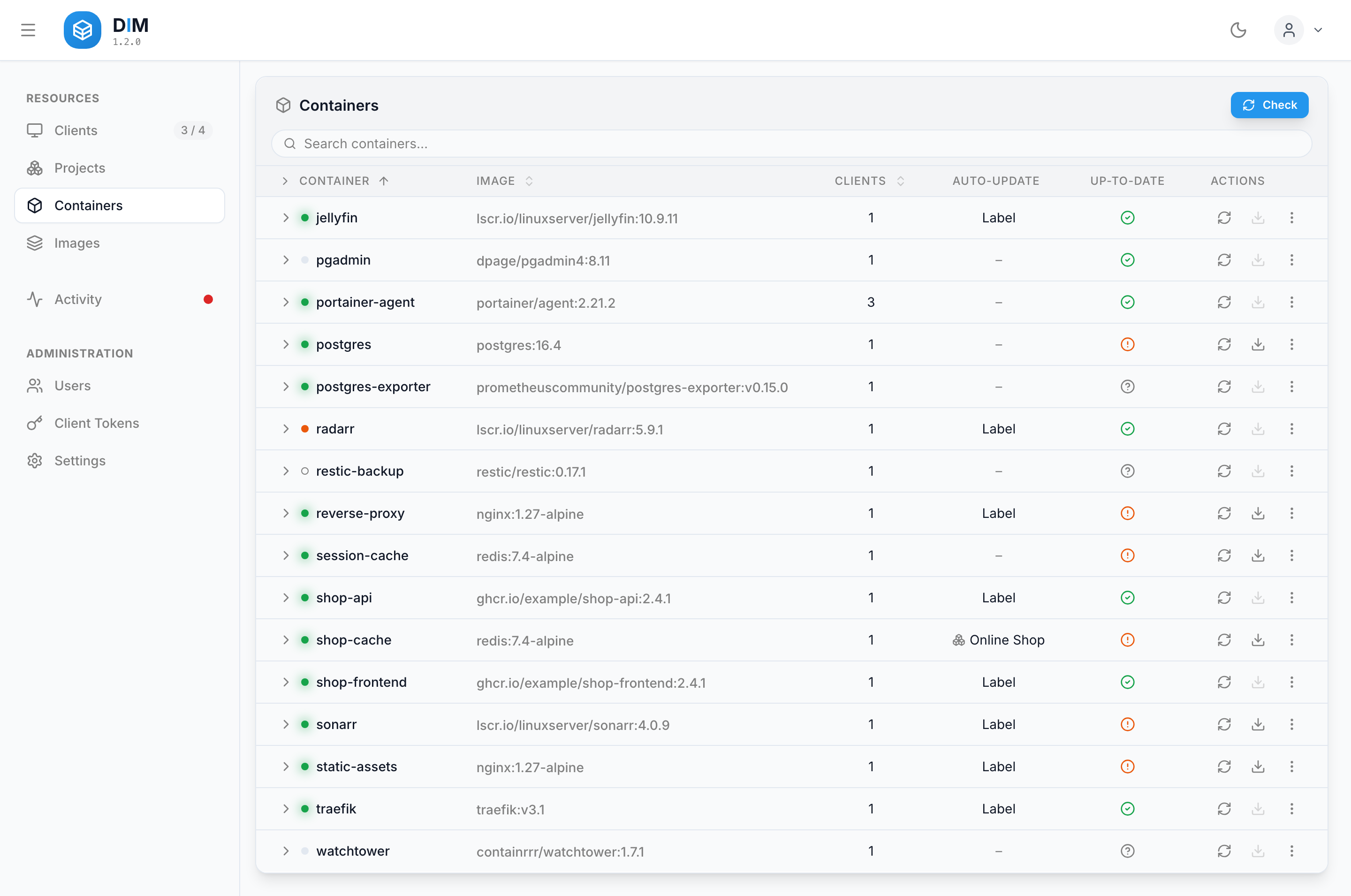
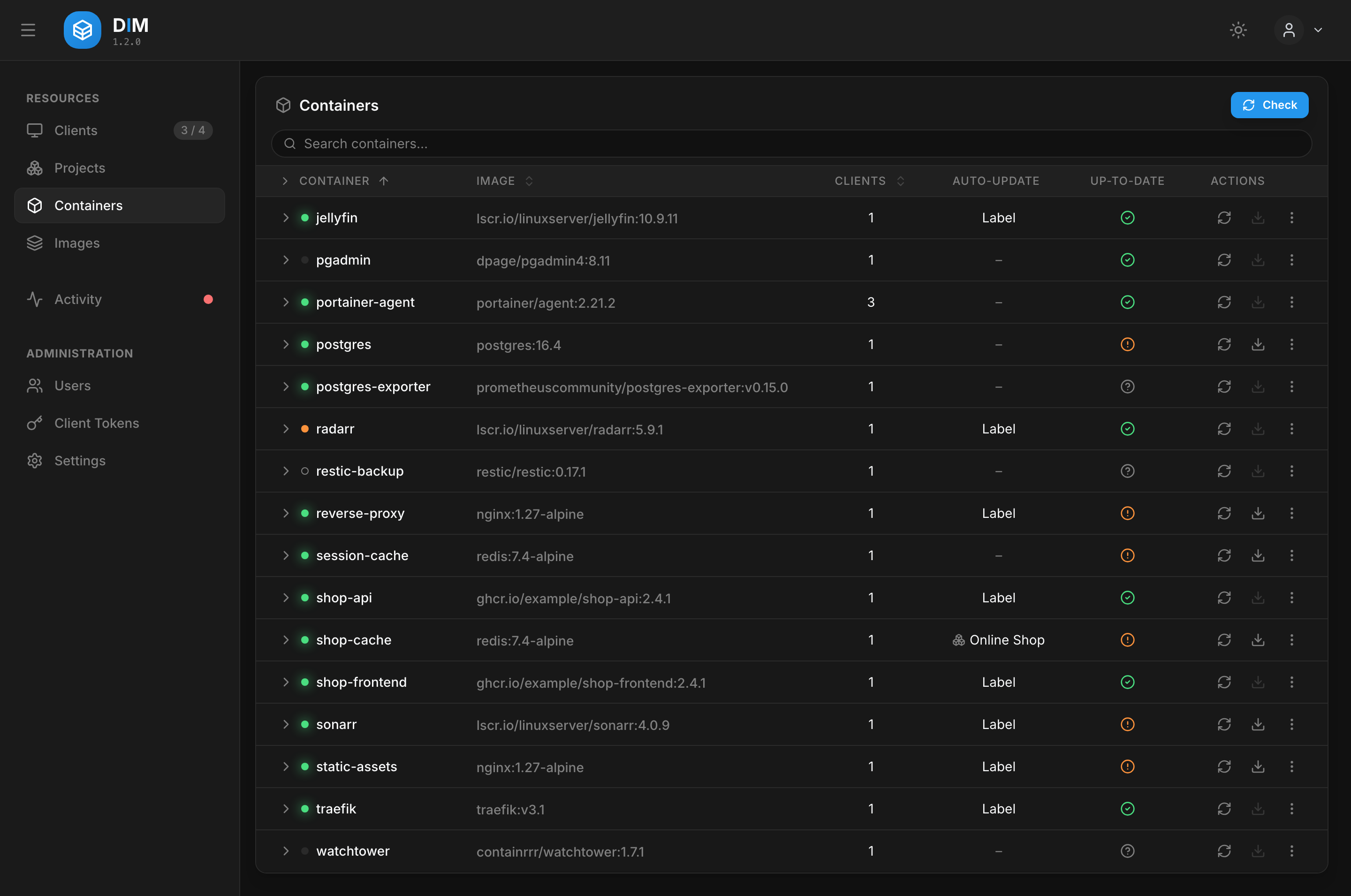
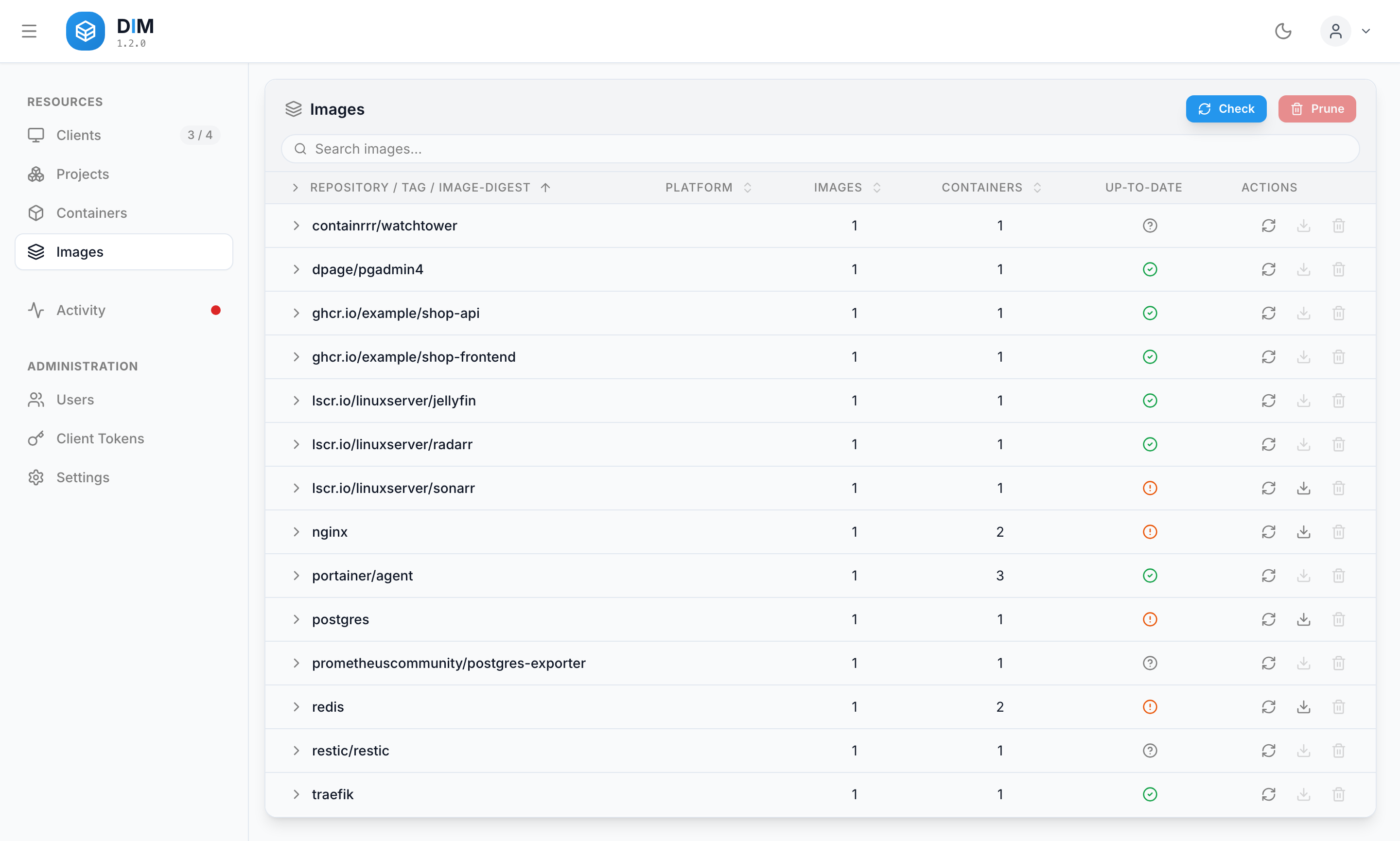
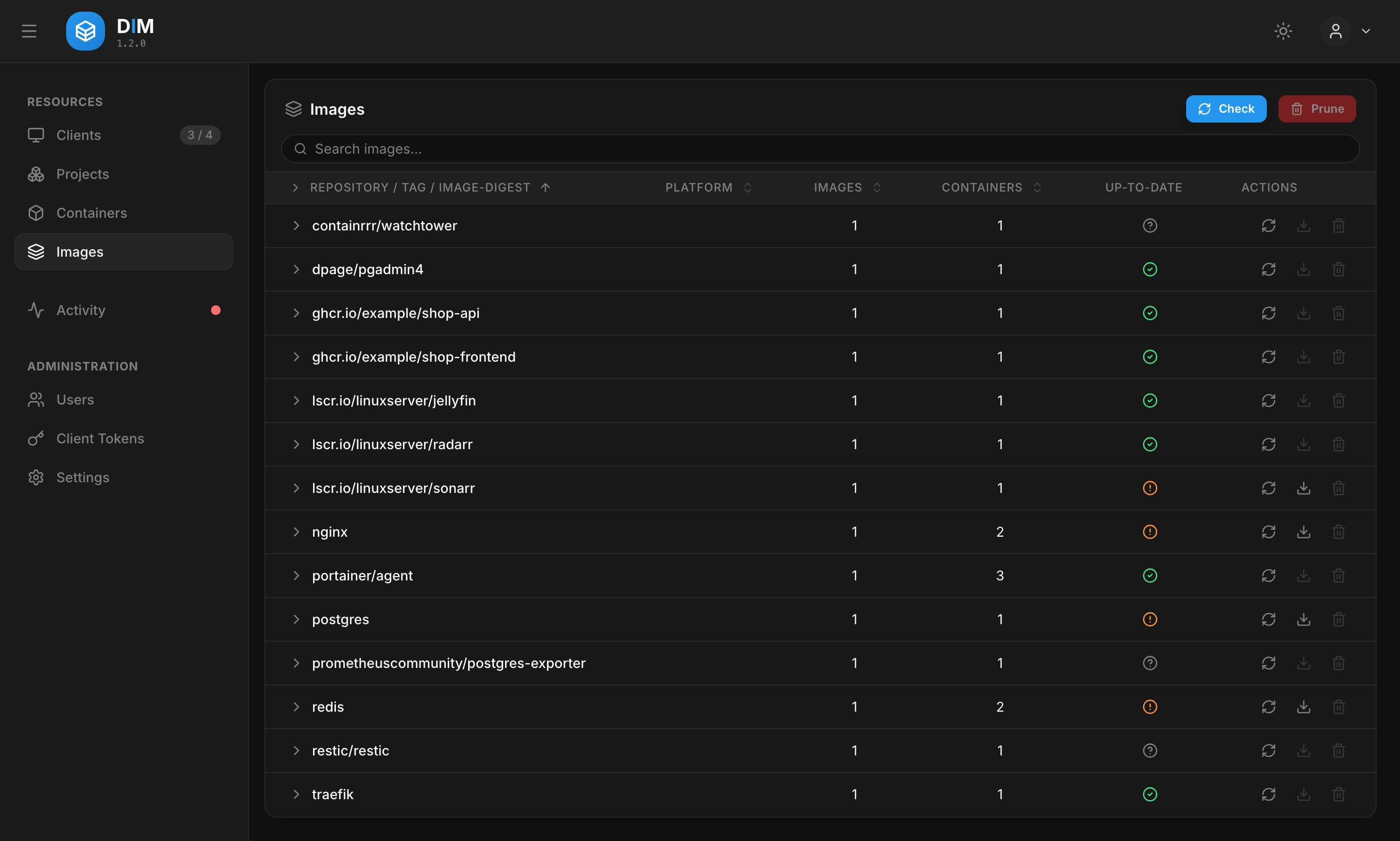
How the pieces fit together
Three parties are involved:
| What it holds | Talks to | |
|---|---|---|
| DIM server | The client list (with their registration tokens), users, projects, settings, the last Docker state each agent reported, cached registry answers and the activity list — in SQLite | the browser, the agents, container registries |
| DIM agent | Its identity, the auto-update policy the server last sent and the activity events not yet acknowledged — in its own data directory | the DIM server, the local Docker Engine, container registries |
| Docker Engine | The containers, images, volumes and networks themselves | the agent, over the Docker socket |
flowchart TB
    B["Browser<br/>Dashboard"]
    S["DIM Server<br/>Fastify · React SPA · SQLite"]
    A1["DIM Agent<br/>inbound: dials the server"]
    A2["DIM Agent<br/>outbound: the server dials it"]
    D1[("Docker Engine")]
    D2[("Docker Engine")]
    R["Container registries<br/>Docker Hub · ghcr.io · lscr.io"]

    B -->|"REST /api/v1/* · WS /ws/dashboard"| S
    A1 -->|"WS /ws/agent"| S
    S -->|"WS /ws/register, /ws/agent"| A2
    A1 --- D1
    A2 --- D2
    S -.->|"digest checks"| R
    A1 -.->|"pulls, auto-update checks"| R
    A2 -.-> R
The WebSocket between server and agent is one persistent connection, and it does not matter which side opened it. An inbound agent dials the server — the usual case when the host can reach the server. An outbound agent listens on a port of its own and the server dials it — for hosts the server can reach but that cannot reach the server. Either way the same messages flow over it; see Which side connects.
What happens when you click "Update"
- The dashboard sends the action to the server, which gives it an
actionIdand forwards it to the agent of that host as aDOCKER_ACTION. - The agent validates it, pulls the image and recreates the containers the action names.
- Docker's event stream tells the agent what actually happened — a container stopped, was
recreated, came up healthy or did not. The agent stamps each of those events with the
actionId, so they show up as one group in the activity list. - A fresh state snapshot goes to the server and on to every open dashboard. The frontend never polls.
Auto-update without the server in the loop
Scheduled updates run in the agents, on each host's own clock. The server resolves who updates when — a default schedule, a per-host schedule, a per-project schedule — and sends every agent a finished policy. From then on the agent decides on its own: it reads the labels on its containers, asks the registry itself and recreates what has a newer image.
A server that is down at three in the morning therefore stops no update. It only misses the report, and the agent hands that over once the server is back — every event carries an id, so a second delivery changes nothing.
Where to go next
-
Get started
Server and first agent with Docker Compose, in four steps.
-
Use it
Connecting hosts, keeping images current, reading the activity list — and webhooks that report events to other services.
-
Run it
Reverse proxy and TLS, backups, upgrades and health checks.
-
Build on it
The REST and WebSocket API, the architecture of each component, and how to contribute.